Automation: It Finally Works!
Finally! Petit Borobia’s Automation is a GO!
After several months away from my beloved telescopes (blame work!), I finally carved out some time to dial in my observatory. And I’m thrilled to announce that the automation for Petit Borobia is officially up and running!!! Thanks to ACP, MaximDL, and a bunch of other fantastic software, and after a bit of a learning curve, I finally pulled off my first fully automated imaging run last night.
In the afternoon, I whipped up a super-simple imaging script using ACP Planner: “Take 2 x 7-minute exposures of M51 with the C11, then end.”
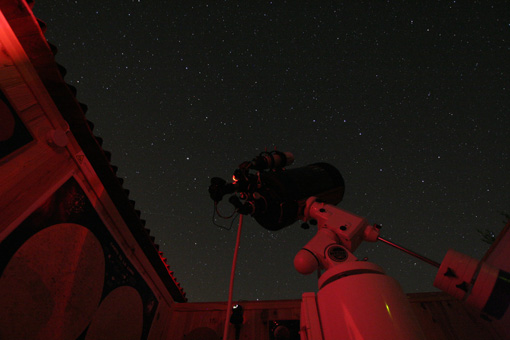
Early in the evening, I simply launched ACP, which then took charge, firing up all the other necessary software, and ran the script I’d created earlier. Here’s a detailed breakdown of what happened automatically:
- Mount park verification: OK
- Roof open
- Slew to M51
- Capture frame for astrometric position calculation: position OK
- Start autoguiding
- Wait for autoguiding stabilization
- Begin imaging
- End imaging
- Stop autoguiding
- Park mount
- Mount park verification: OK
- Roof close
Watching your observatory wake up, execute a task list, and then go back to sleep is an incredible experience that I wish every enthusiast gets to live at some point. Next up on the automation to-do list: autofocus, darks, and flats. Once I dial in the right parameters in ACP, all of that should be quickly achievable…
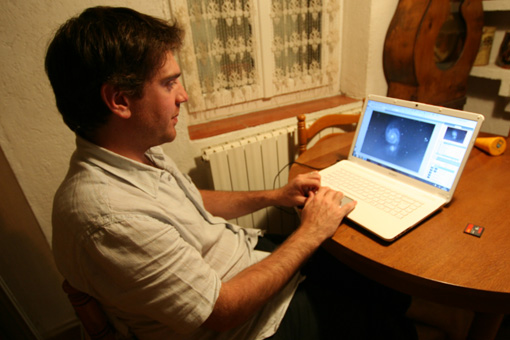
Big thanks to Julio for the photos illustrating this post!