Unlock True Colors: Monitor Calibration for Astrophotography
My Monitor Calibration Revelation (And Why You Need One Too!)
UPDATE 12/26/2016: I’ve since upgraded my calibrator to an X-Rite i1 Display Pro – it’s significantly more effective!
I recently calibrated my monitors for the very first time using my new Datacolor Spyder 3 Elite calibration probe (snagged it for a killer deal on ‘le bon coin’ – France’s Craigslist!).
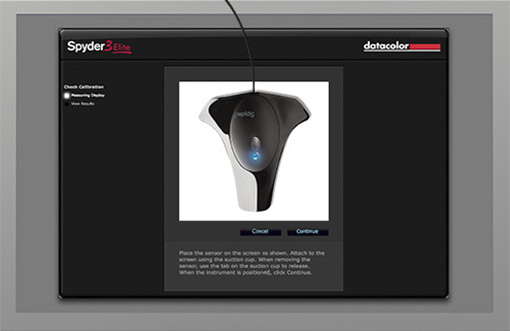
The results absolutely blew me away. I honestly thought my manual settings were pretty decent, but boy, was I wrong! Following the calibrator’s software instructions step-by-step, it generated new ICC profiles for my displays and installed them automatically.
For my daytime photos, the colors are now incredibly natural – a level of realism I’d never managed to achieve before. I genuinely thought my monitors just weren’t capable of it…
But for my astrophotos? Oh boy, it’s laid bare all my processing mistakes. Sky backgrounds that were too dark, or subtly tinted green… Looks like I’ve got some serious re-processing work ahead of me!
If you’re processing astro images on your rig and get a chance to grab a monitor calibrator, don’t hesitate! The whole operation only takes about 5 minutes, and ideally, you should repeat it a few times a year (our monitor panels age, and calibration needs to account for that drift).