ASCOM-Controlled DSLR Rotator: My Latest DIY Build!
Our DIY DSLR Rotator: From Concept to ASCOM Control!
Didier Chaplain (astrodic), Jérôme Rudelle (astrojéjé), and I have been working for quite some time now on designing a DSLR rotator! Didier is our CNC machining specialist, fabricating all the mechanical parts. Jérôme handles the testing, and I’m in charge of the electronics and software.
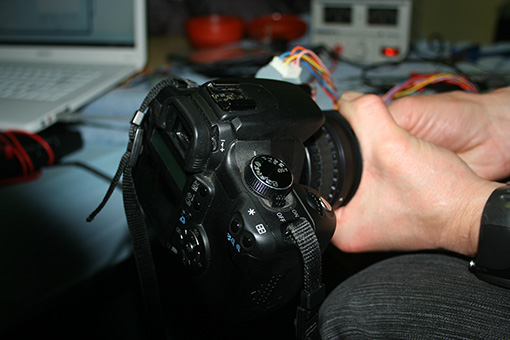
As its name suggests, our DSLR rotator allows for remote control of a Digital Single-Lens Reflex camera (like a Canon 350D) with a precision of about 0.1 degrees. Our first prototype was instrumental in validating the design and testing the software side of things.
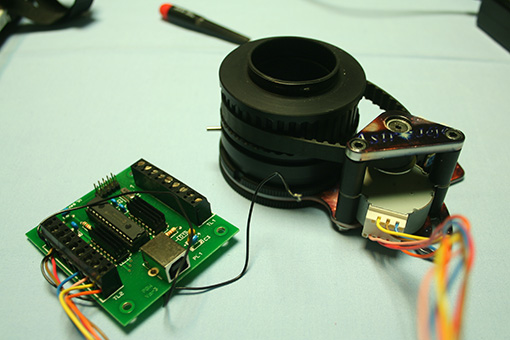
Here’s a look at the DSLR Rotator V1 and its USB board:
Testing out the rotation with Didier and Jérôme:
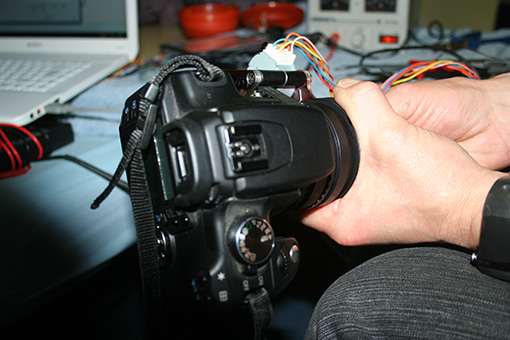
It’s turning…
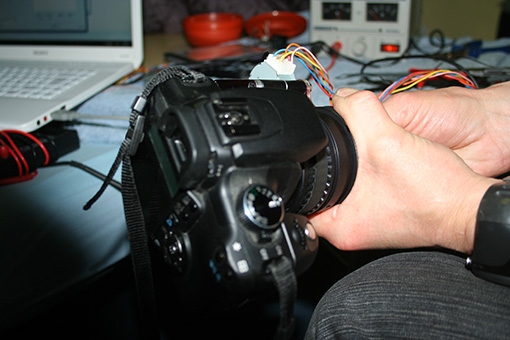
Still turning…
We’re currently fabricating a new prototype that will be smaller, lighter, and, most importantly, more cost-effective to produce. The ASCOM driver is now complete! We just need to run a few more tests before moving into small-batch production. 😉
The ASCOM driver was a significant undertaking. It supports both relative and absolute positioning of the rotator. The driver is designed to always take the shortest path to the desired position, avoiding full rotations to prevent the camera cables from getting tangled. It passes ASCOM compliance tests and seems to work wonderfully under MaximDL and ACP.
Here are a few images for your viewing pleasure…
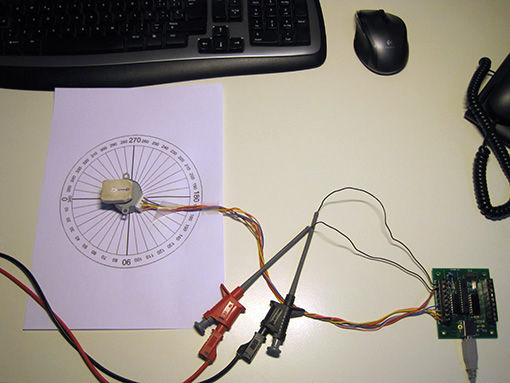
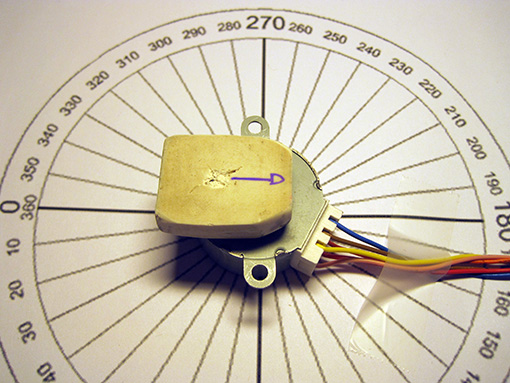
An overview of our test setup (for position indication, an old eraser stuck on the motor shaft does the trick for now!):
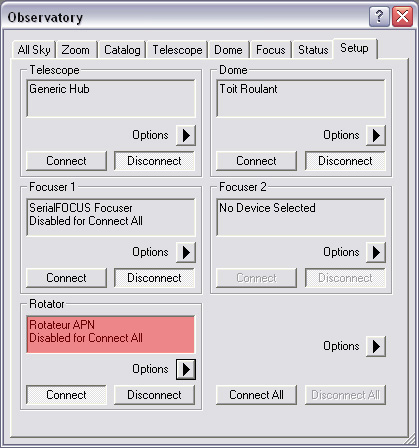
The DSLR Rotator appears in the ASCOM device list as “Rotateur APN”. Here it is in Maxim DL 5:
The rotator is currently oriented at 180 degrees:
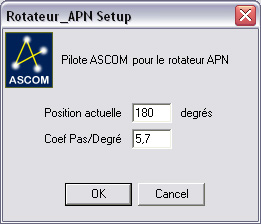
When opening the ASCOM driver properties, this position is already correctly indicated. If there’s an error, it can be reset by simply entering the new value. The Steps/Degree coefficient allows us to adapt the driver to future versions of the rotator where this ratio will likely be different:
Similarly, we verify that this value is correctly indicated before initiating rotation…
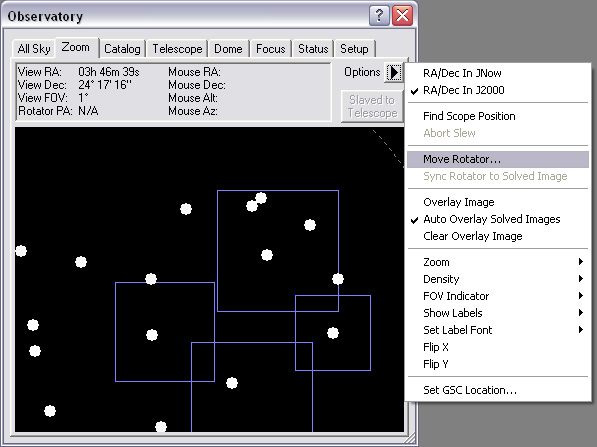
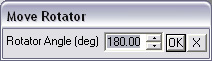
The value is correct (180 degrees):
I’m requesting a rotation to 0 degrees:
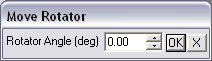
The rotator correctly positions itself at 0 degrees:
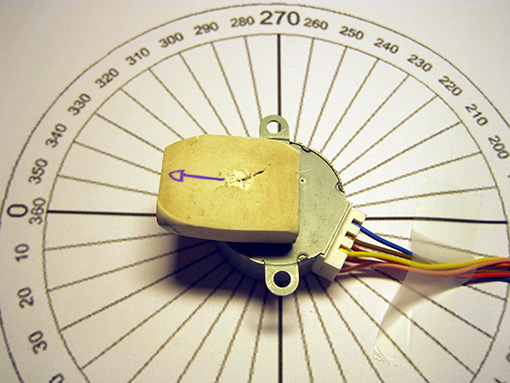
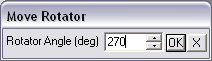
I’m requesting a new rotation to 270 degrees:
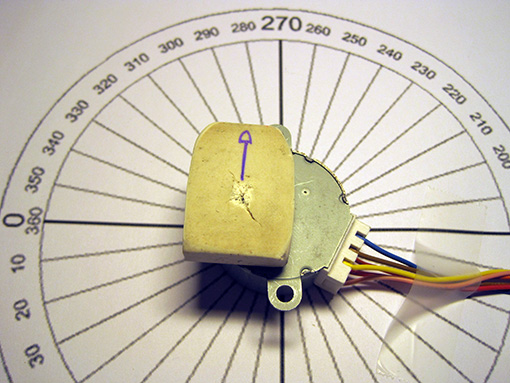
The rotator correctly positions itself at 270 degrees:
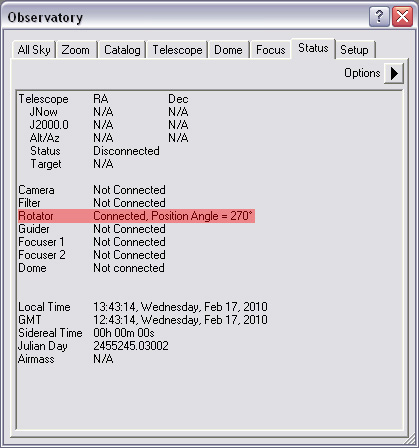
The position is indicated in real-time in MaximDL’s Status window: