My SPC900: A Little Too Much 'Flash'?
Stealth Mode Activated: Silencing Your SPC900’s Annoying LED
If you’re like me and use a Philips SPC900 webcam for autoguiding your mount or for planetary imaging, you’ve probably noticed a little issue… When the webcam is running, it blasts its surroundings with a surprisingly bright green light (well, at night, everything’s relative, right?). The culprit? A tiny, almost invisible LED tucked away inside the webcam. Well, I’m here to help you get rid of it! ;-)
Unlike the more involved Steve Chambers long-exposure modification, this particular mod is super simple to do.
First things first, remove the lens (or your 1.25” barrel adapter). Then, gently peel off the gray protective covers from both sides of the webcam.
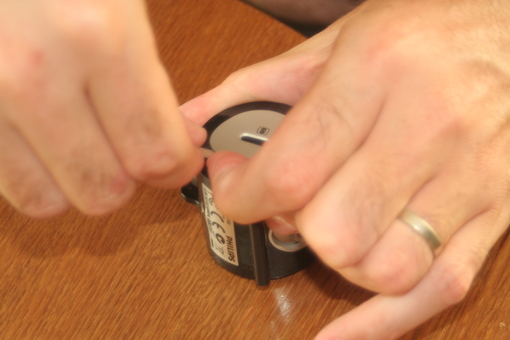
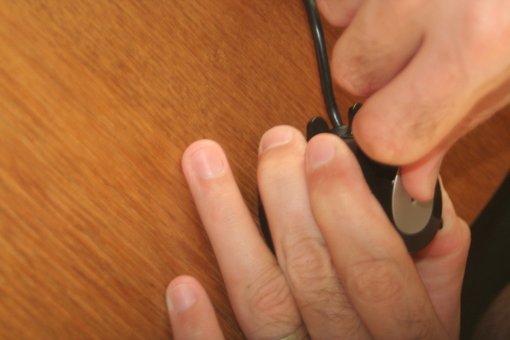
Next, use a small screwdriver to carefully unclip the two halves of the casing and open it up.
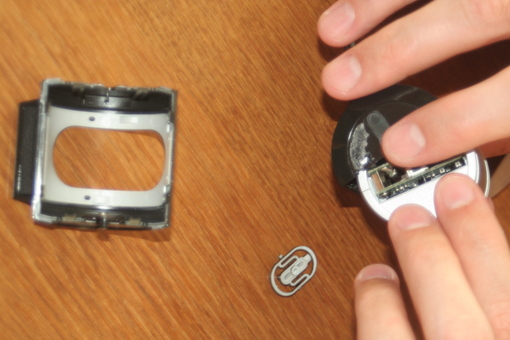
The electronic board’s support is now accessible. Remove the two O-rings from either side, then unclip the two parts with a screwdriver.
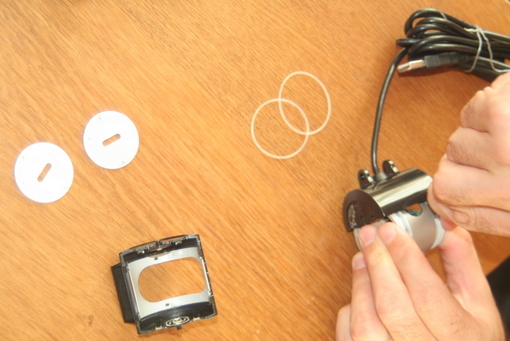
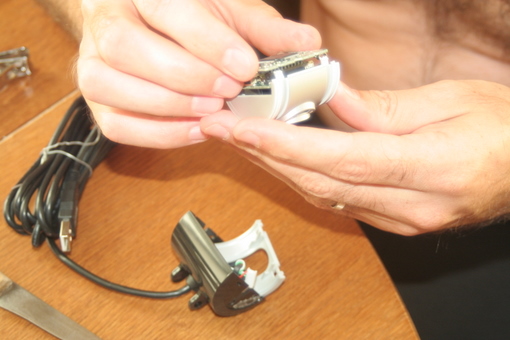
With the electronic board now fully exposed, grab a small Phillips head screwdriver and unscrew it.
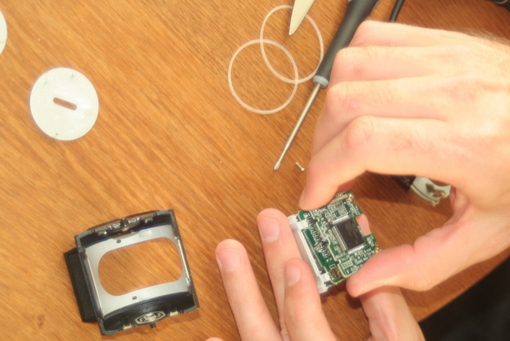
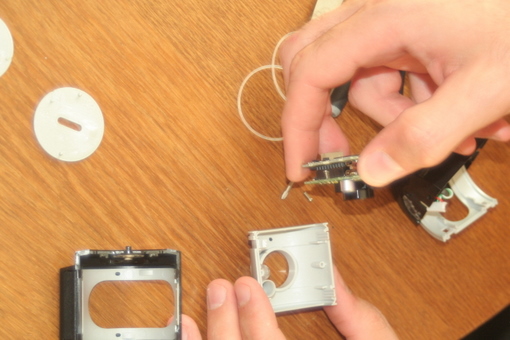
Now for the main event! Simply (but firmly) scrape the top of that tiny LED with a knife (or similar tool) to disable it. Goodbye, green glow!
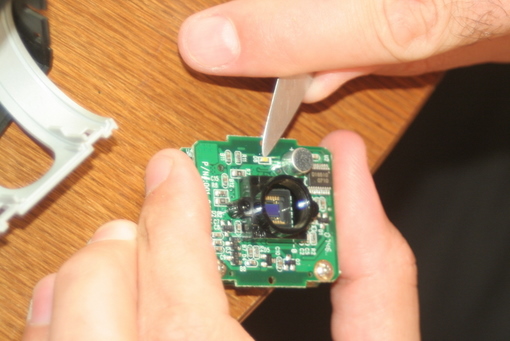
All that’s left is to reassemble everything in the reverse order. And just like that, your webcam is now a lot less “flashy” and ready for some proper dark-sky action!
As always, I cannot be held responsible for any potential damage to your webcam during this modification. Proceed with care!
A big thank you to Julio Corredera for the excellent photos illustrating this post!